The page number the book prints
A file starts counting at the cover; a book starts at chapter one. When you're on page 105 of the book, it says 105 — the number you'd tell a friend.
read and mark up
Convert complex PDFs and EPUBs into reflowable, markable, beautiful text. Take notes and sync between devices.
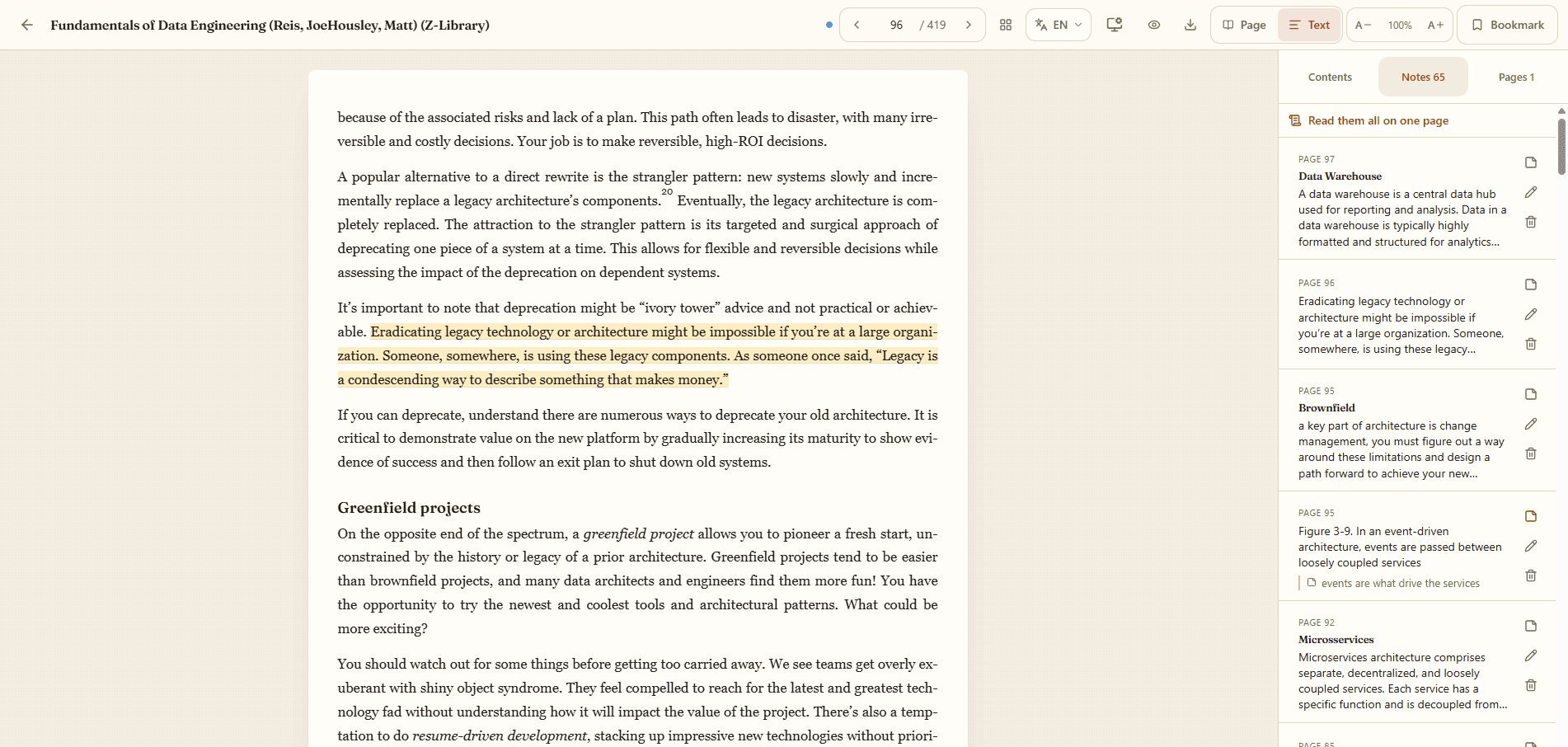
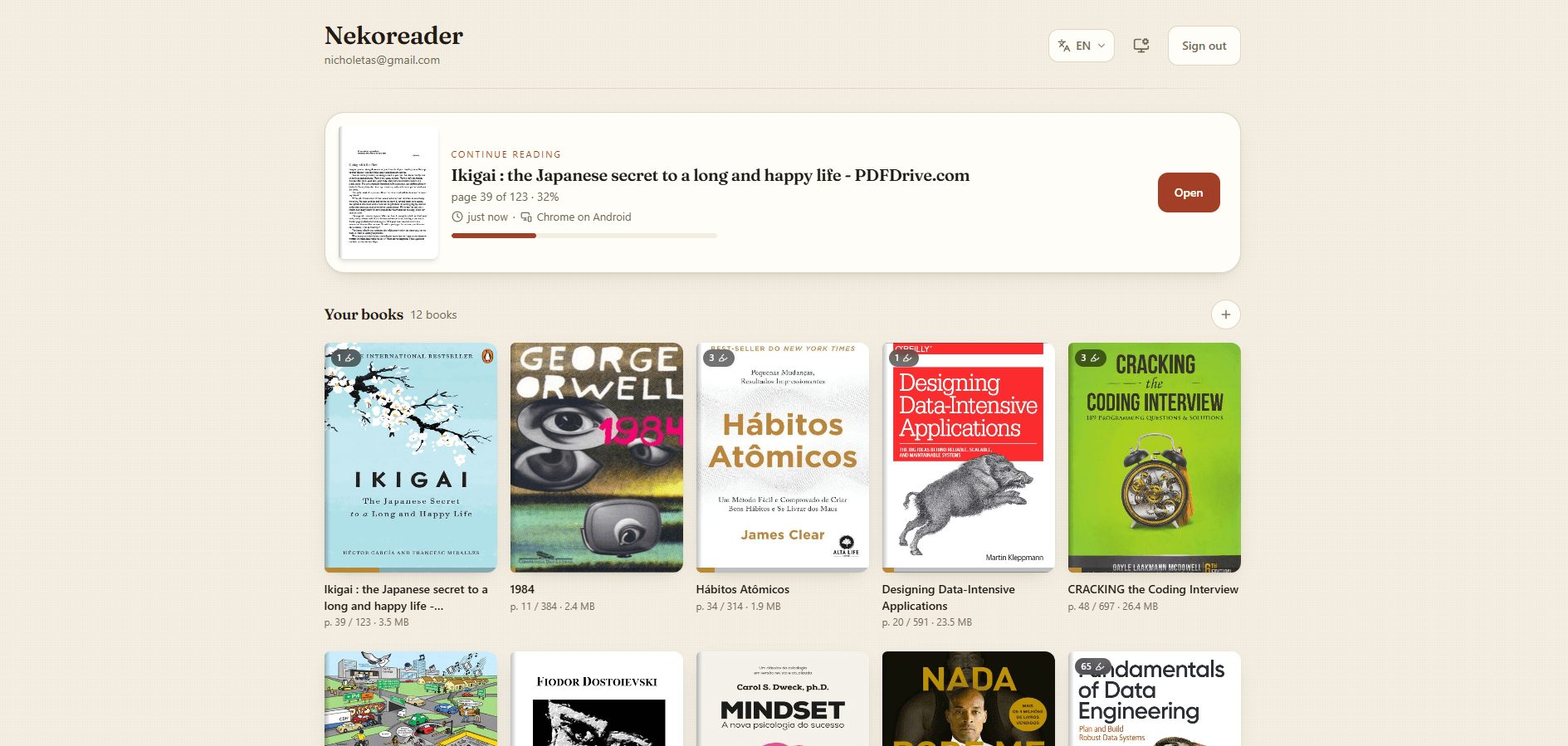
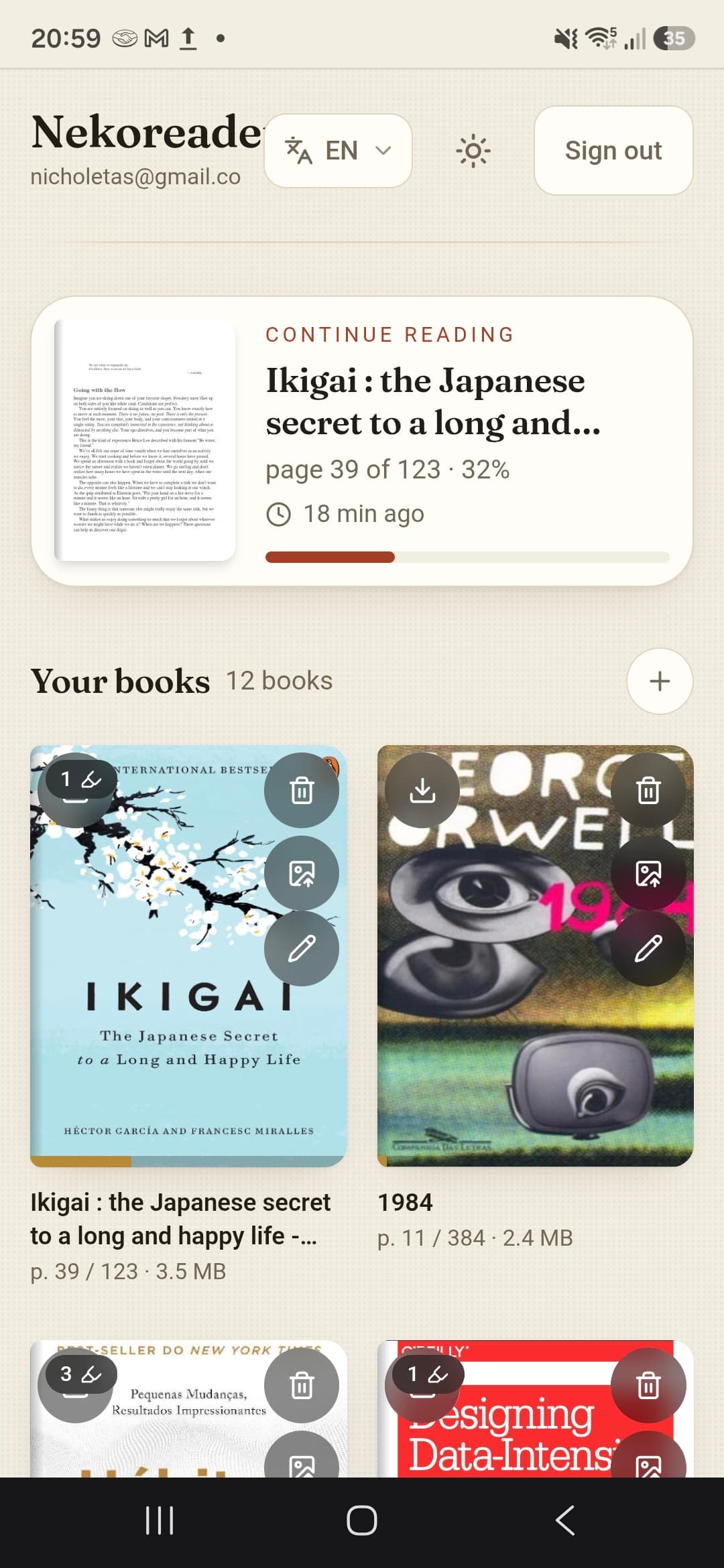
Drag a PDF or EPUB onto the page. The cover and the title come from the file itself, so your shelf looks like a shelf.
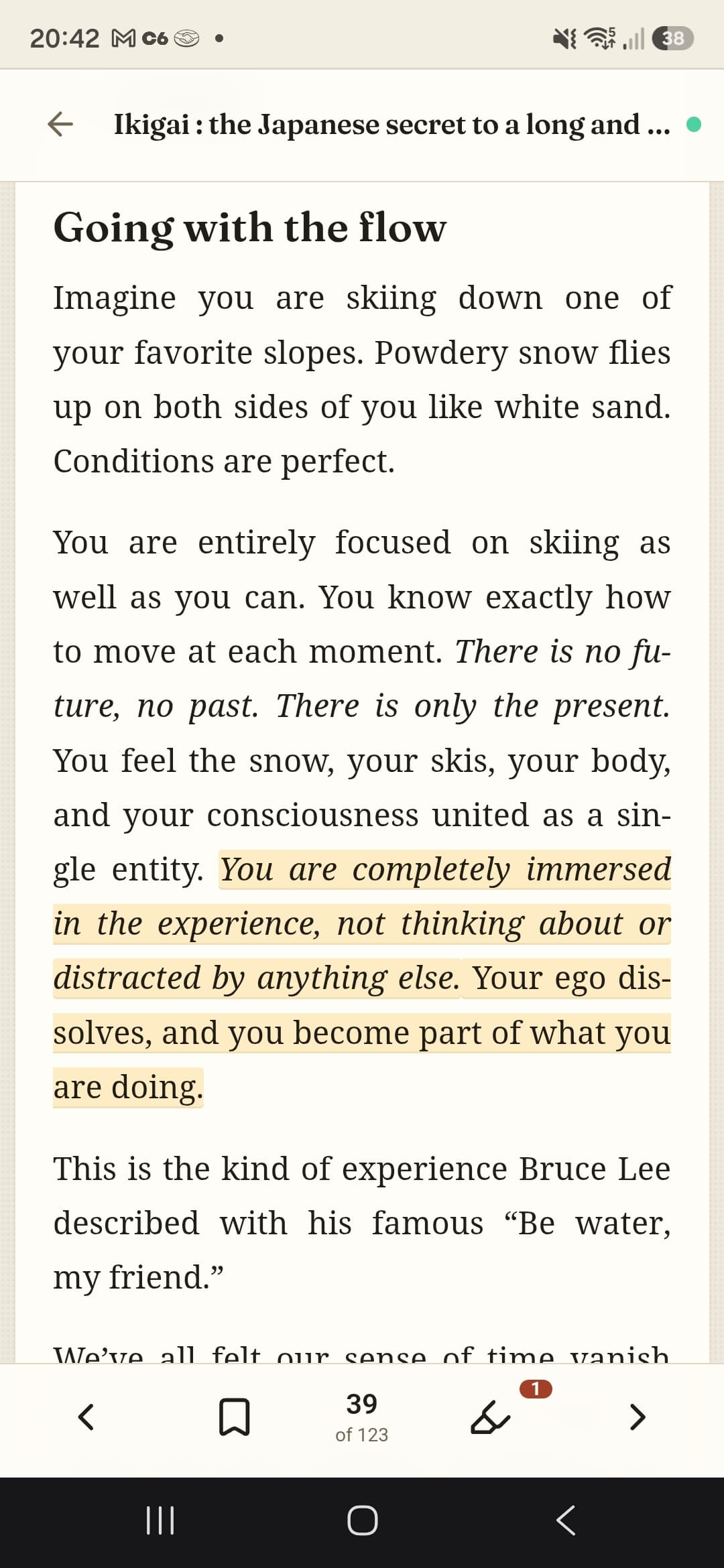
Select a passage and pick a colour. Give it a title, write a note next to it. Everything stays with the book.
Close the tab in the middle of a paragraph. Open your phone later and the book opens on that paragraph.
A file starts counting at the cover; a book starts at chapter one. When you're on page 105 of the book, it says 105 — the number you'd tell a friend.
Cramped columns and tiny type can be shown as plain flowing text, with the pictures kept in place. The original page is always one tap away.
For a book that's only photographs of pages, it can read the text off the image so you can select and mark it. That happens on your device.
Save a book to your device and it opens without a connection. Anything you mark while offline is synced the moment you're back.
Turn a book into an EPUB or a text file, page numbers included, and keep reading it wherever you like.
The app follows your browser, and you can change it whenever you want.